
The craft · Glass
Glassmorphism that stays readable.
Glassmorphism is a panel that looks like frosted glass: partly see-through, with a blur over whatever sits behind it. Done well, it keeps a photograph on screen while the words stay easy to read.
Change the glass
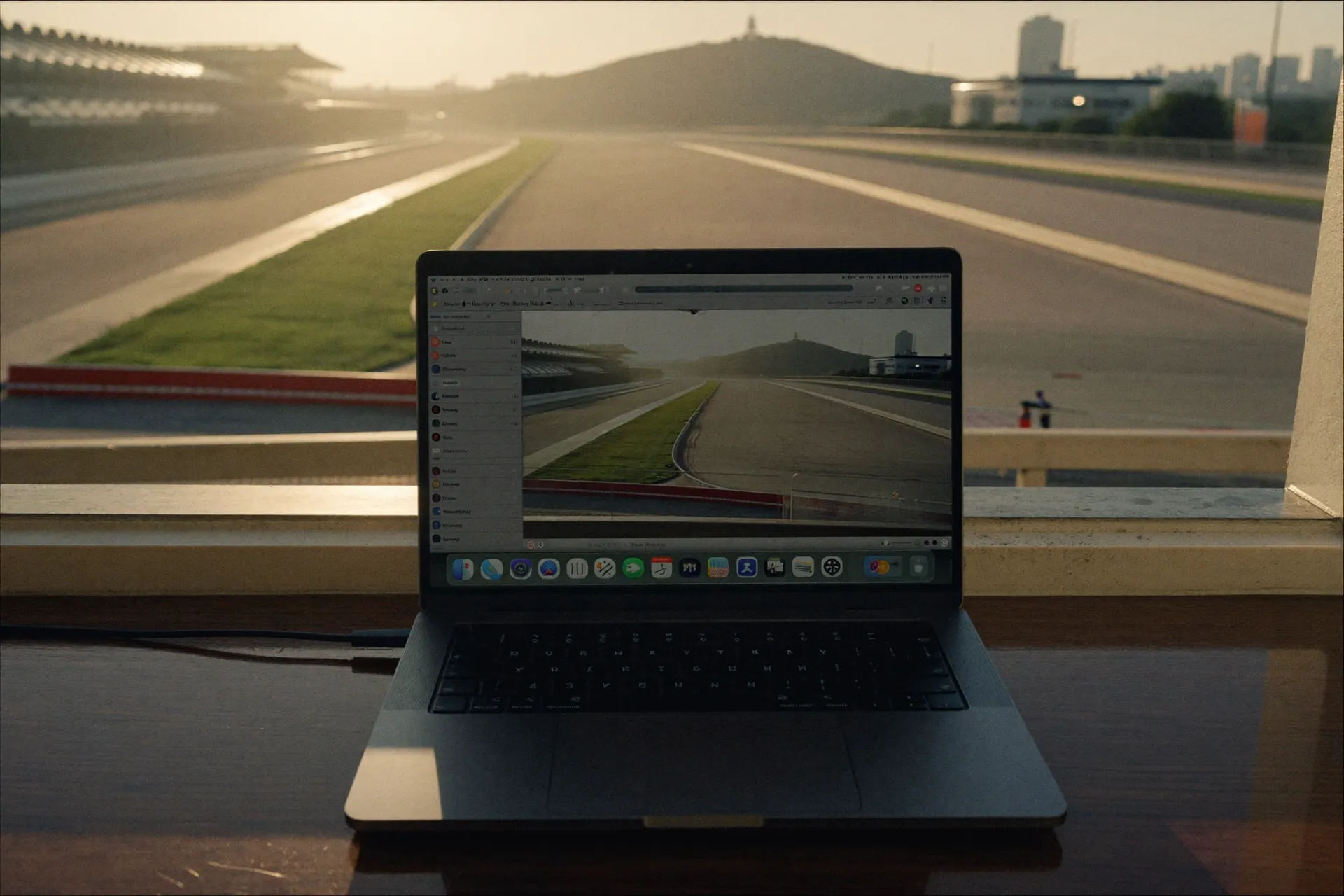
Text on glass has to stay readable over the brightest part of the photo behind it, not only the darkest.
An estimate from the photo's brightest region once the blur and tint are applied. WCAG asks for 4.5:1 on body text.
Drag the sliders. The readout estimates how readable white text stays over the photo’s brightest region.
The CSS
This is the rule our journey cards use, in the order we write it.
.card {
  background: linear-gradient(180deg, rgba(255,255,255,.035), rgba(255,255,255,0) 38%),
              rgba(12,17,30,.62);
  -webkit-backdrop-filter: blur(18px) saturate(135%);
  backdrop-filter: blur(18px) saturate(135%);
}
@supports not ((backdrop-filter: blur(4px)) or (-webkit-backdrop-filter: blur(4px))) {
  .card { background: #10162A; }
}
Both spellings of the blur are written out because Safari still needs the prefixed one. The fallback matters as much: a browser without backdrop-filter gets a solid navy card, so the text still has a clear background.
The rules we follow
- Write both spellings.
-webkit-backdrop-filterandbackdrop-filter, side by side. - Give every card a solid fallback inside an
@supportsblock. - Keep animated parents off the glass. Nothing that animates opacity, filter or transform sits above a glass card, because a moving parent forces the blur to redraw. A card rises by animating itself.
- Move the photo only where there is power to spare. On the home page it drifts slowly, and only on large screens with a mouse. A moving backdrop makes every glass card redraw its blur.
- Turn motion off on request. A visitor’s reduced-motion setting stops the drift and the reveals.
Where glass goes wrong
- Text over the bright part of a photo. Check contrast against the lightest region behind the panel, as the demo above does.
- Too many layers. One level of glass reads as depth. Glass on glass reads as noise.
- Heavy blur on phones. Keep panels few and the radius moderate.
Where you can see it
The home page and the Test Track both use it. The scrollytelling page shows how the cards sit inside a journey.
Questions
Is glassmorphism bad for accessibility?
It can be. Text over a blurred photo can fail contrast where the photo is bright. Put a tint on the panel, test against the brightest part of the image and keep body text at 4.5 to 1 or better.
Does glassmorphism slow a site down?
Blur is work for the browser, and phones feel it first. Keep the number of glass panels small, avoid animating anything above them and use a moderate blur radius.
Do all browsers support it?
Current Safari, Chrome, Edge and Firefox support backdrop-filter. Older browsers do not, which is why every card needs a solid fallback.
Want a site or an app built this way?
The Fit Call is a working session on one real workflow. It is where we look at what you have and say what we would build.
Or see automotive operations, the work and the rest of the craft.